

It is very simple and easy. If you know how to connect and disconnect the circuit you can make any x ray hand switch. In this page i am going to show you how to connect the x ray hand switch as well as disconnecting any connection.
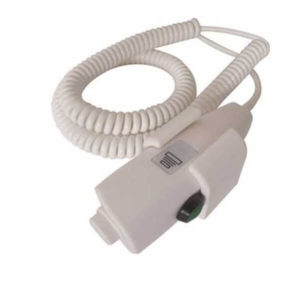
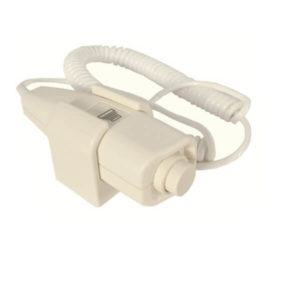
In the above figure, we have a Hand Switch, Bulb, Wires (Live and Neutral).
Keep in mind!
- Always connect the switch to Live Wire only.
- To work any electronic device, it needs ‘+‘ and ‘–‘ connection simultaneously.
Live wire is usually of Red color. If you are confused then with the help of Tester (an instrument for checking continuity); check if the bulb of the Tester glows, it is live wire and if not then it’s Neutral wire.
L01 3 core Step1 (Prepare Status): red and green lines
Step2 (Exposure Status): green and white lines
4-core Step1 (Prepare Status): black and white line
Step2 (Exposure Status): red and green lines
Step2 (Exposure Status): green and white lines
4-core Step1 (Prepare Status): black and white line
Step2 (Exposure Status): red and green lines
L03 4 core Step1 (Prepare Status): red and white lines
Step2 (exposure status): black and white line
Step3 (collimator control): green line
6 core Step1 (Prepare Status): red and pink lines
Step2 (exposure status): blue and purple lines
Step3 (collimator control): black and brown lines

 WhatsApp
 YouTube
 Instagram
 LinkedIn
 Facebook